 Coloring app for iPhone and iPad
Crayon is a coloring app for iPhone and iPad with 5,149 pages and crayon and colored-pencil brushes that stay inside the lines. It is free to download, needs no account and has no subscription: only optional one-time purchases.
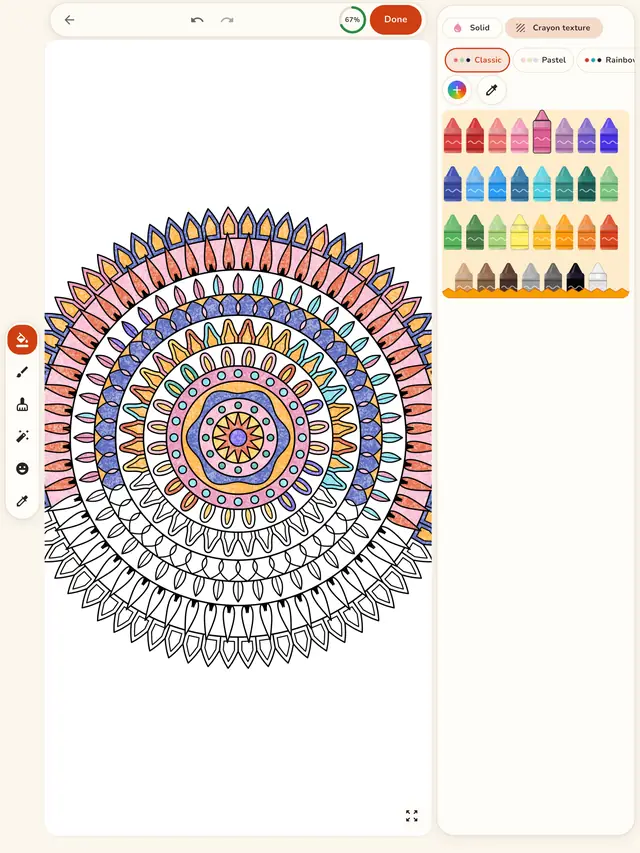
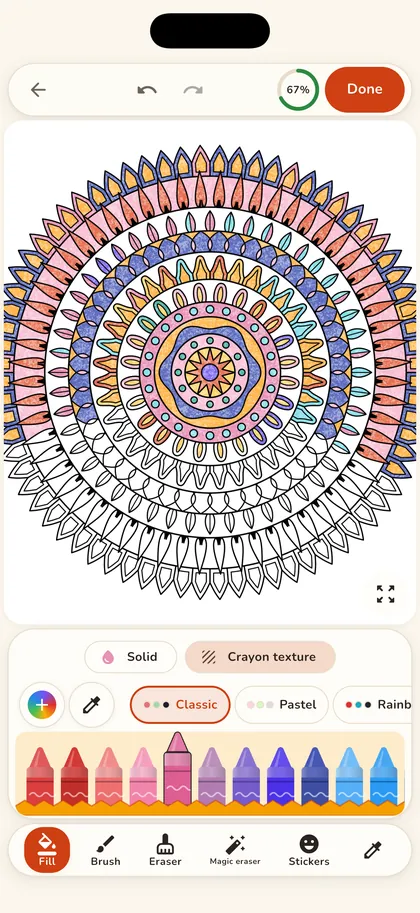
Screenshots
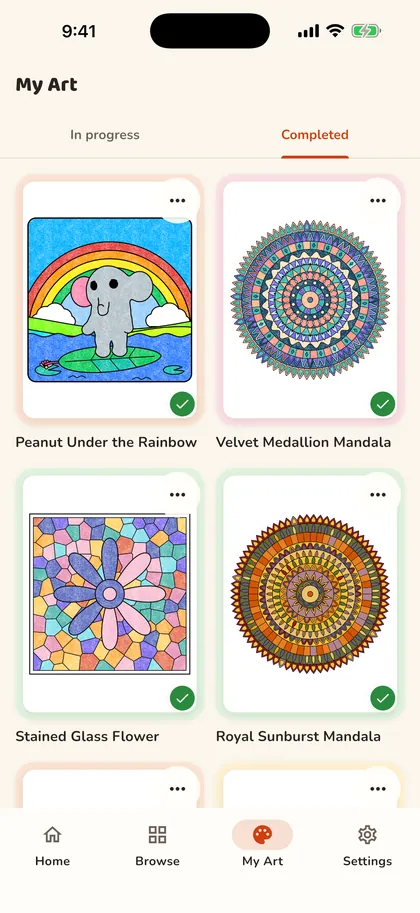
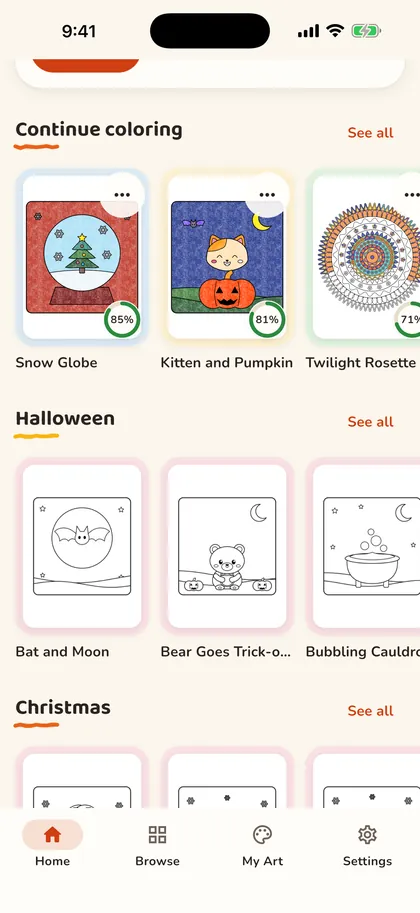
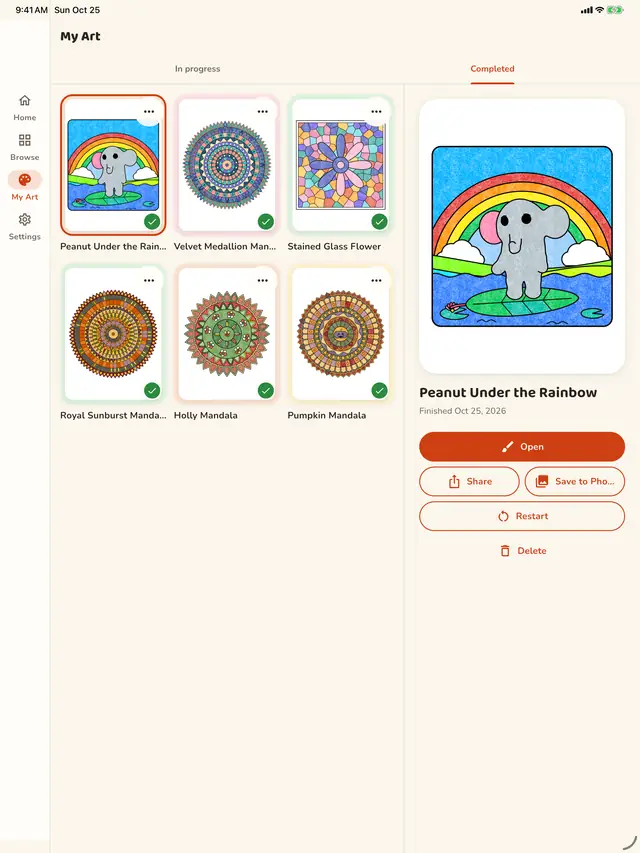
Real screens from the app on iPhone and iPad.
Swipe to see more
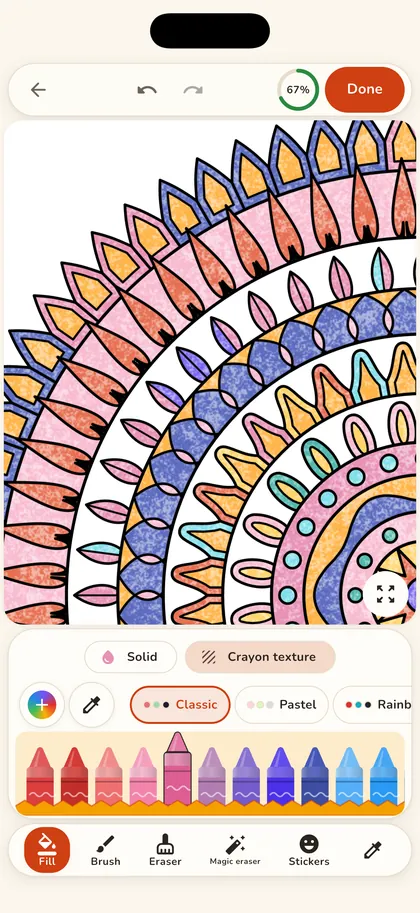
Tools
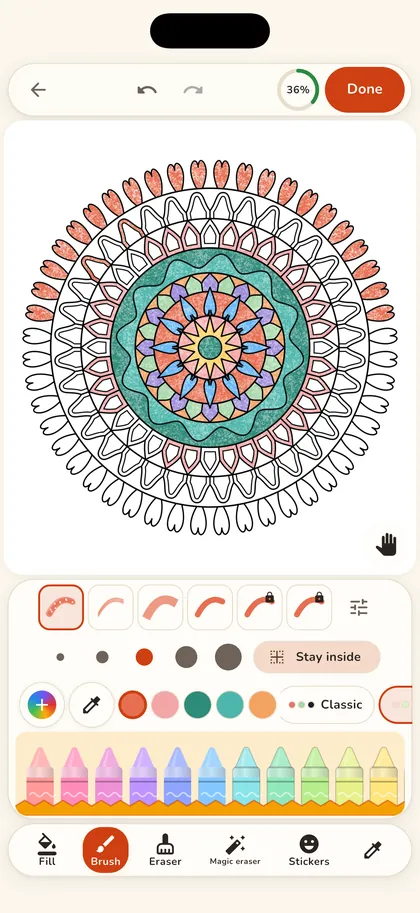
The tools are made for calm, tidy coloring: big fills when you want speed, textured brushes when you want it to look hand-colored.
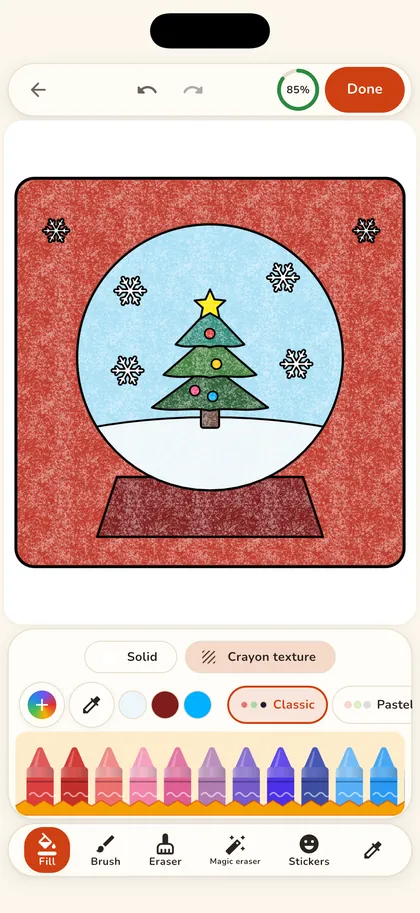
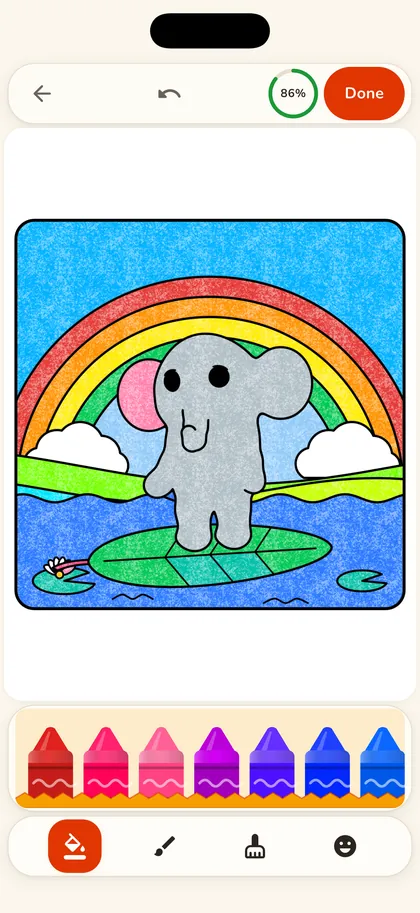
One tap colors a whole area. A near-miss on a tiny space still lands where you meant.
Crayon and colored-pencil brushes with paper grain, plus a marker and flat color.
Turn it on and a brush stroke stays in the area where you started it.
Classic, Pastel, Rainbow, Nature, Skin tones, Ocean and Autumn sets, an eyedropper, recent colors and your own colors.
Gradient and pattern fills, stickers and an eraser for the finishing touches.
Zoom up to 16x with crisp lines for the smallest details, and undo or redo as far back as you like.
A two-pane layout with the palette at the side, so the page gets the room.
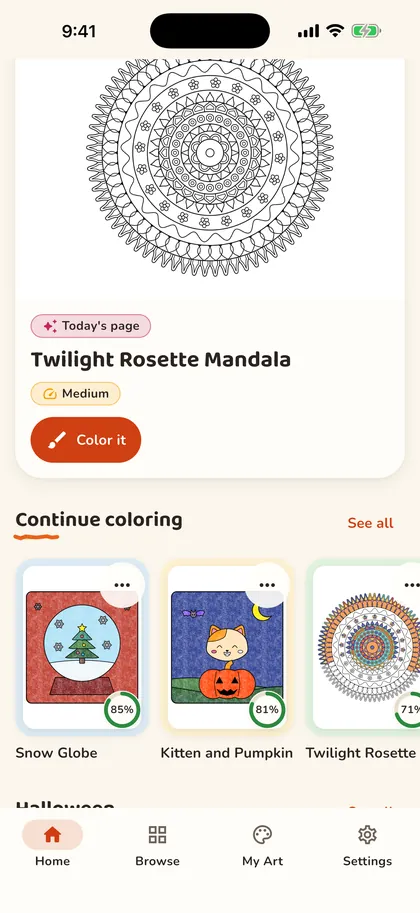
Progress saves automatically. Save finished pages to Photos or share them.
Colored in Crayon
Every picture here was colored in the app, with tap to fill and the crayon and pencil brushes.
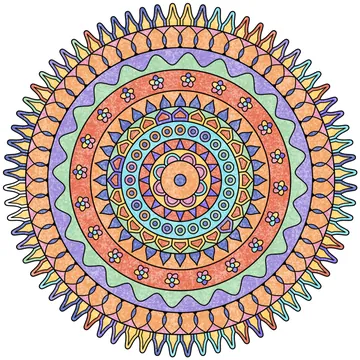
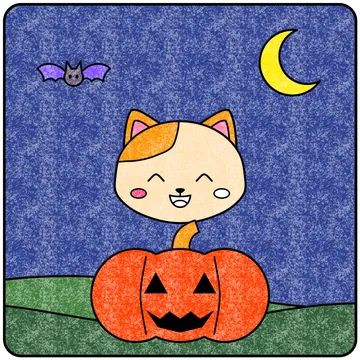
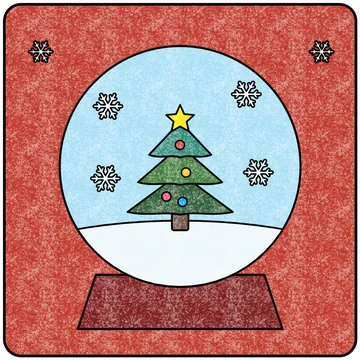
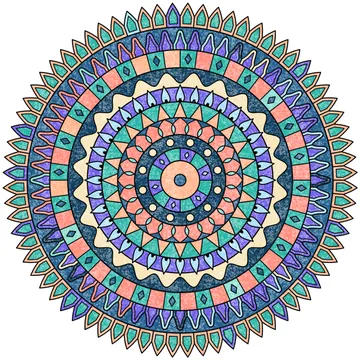
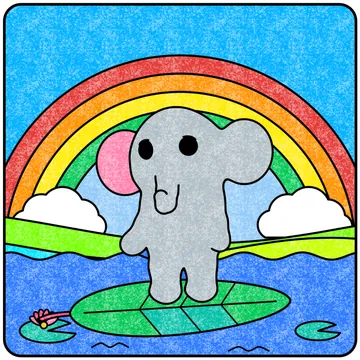
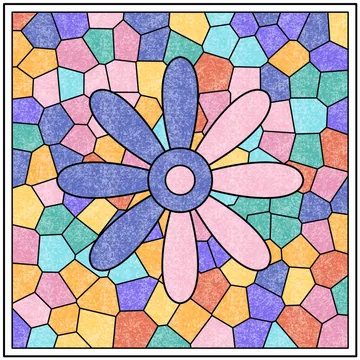
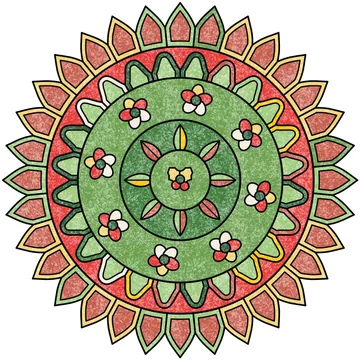
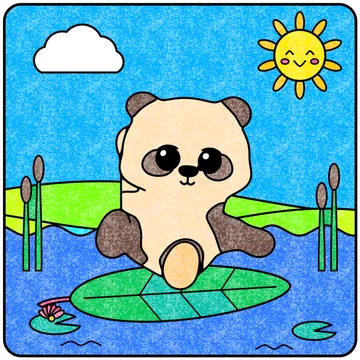
Pages from the Crayon library, colored in the app on iPhone and iPad.
Pricing
Crayon is free to download and has no subscription. Most pages are free (about three in four); Crayon Premium, themed packs and Pro tools are optional one-time unlocks. Nothing renews.
Free
$0

Optional one-time purchases (US prices)
Prices are the US App Store prices on 28 October 2026; other countries see local prices. In grown-up mode Crayon can show ads; the No ads purchase or Crayon Premium removes them. Purchases are restored with your Apple ID in Settings, Shop, Restore Purchases.
Questions
Crayon (listed on the App Store as Crayon coloring pages) is a coloring app for iPhone and iPad with 5,149 pages and crayon and colored-pencil brushes. It is made by Leafy Play, an independent studio.
Crayon is free to download and has no subscription. Nothing renews. Most pages are free (about three in four), and the page of the day is always free.
Crayon Premium, themed packs and Pro tools are optional one-time unlocks: themed packs ($1.99 to $2.99), Pro tools ($1.99), No ads ($2.99) or Crayon Premium ($9.99) for every page, palette and brush. These are US App Store prices; other countries see local prices. What each purchase unlocks.
No. There is no sign-up and no login. Your artworks are saved on your device, and purchases are restored with your Apple ID in Settings, Shop, Restore Purchases.
Crayon has crayon and colored-pencil brushes with a paper texture, so strokes look grainy, like wax and pencil on paper, rather than flat. There is also a marker and a flat-color brush, seven palette sets, an eyedropper and your own custom colors. Some premium palettes and brushes are part of the optional Pro tools. How the tools work.
Yes, both. Tap to fill colors a whole area with one tap, and a near-miss on a tiny space still lands where you meant. With Stay inside the lines turned on, a brush stroke stays in the area where you started it. You can zoom up to 16x for small details and undo as far back as you like.
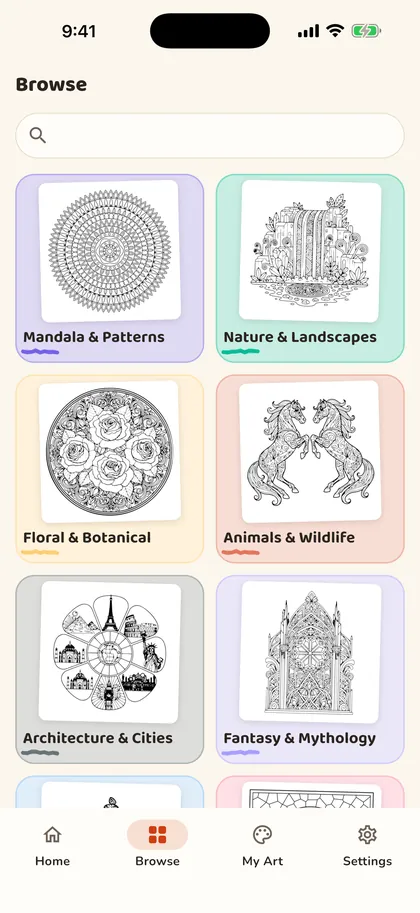
5,149 pages: animals, mandalas, flowers, zen patterns, vehicles, seasons, fantasy and more, at four levels from easy to expert, plus a new page of the day. Seasonal sets come and go: there are 10 free Christmas pages this season, with 20 more for Crayon Premium or the Seasonal sets pack, and the Halloween set runs until 2 November.
New this season
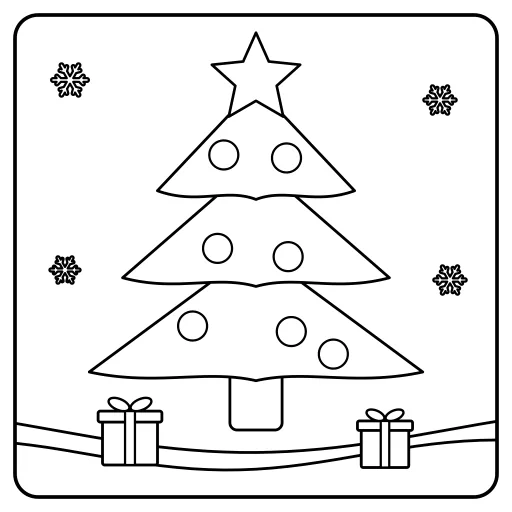
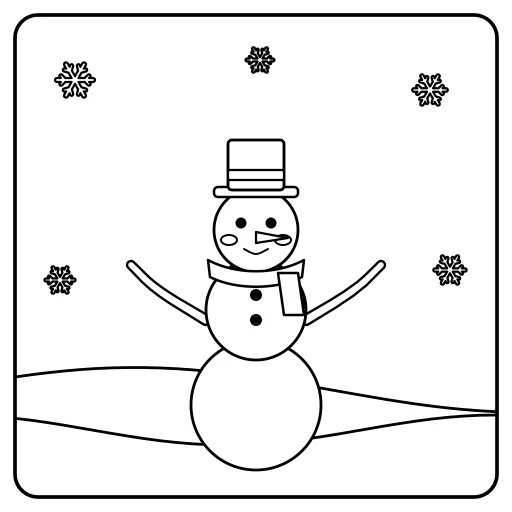
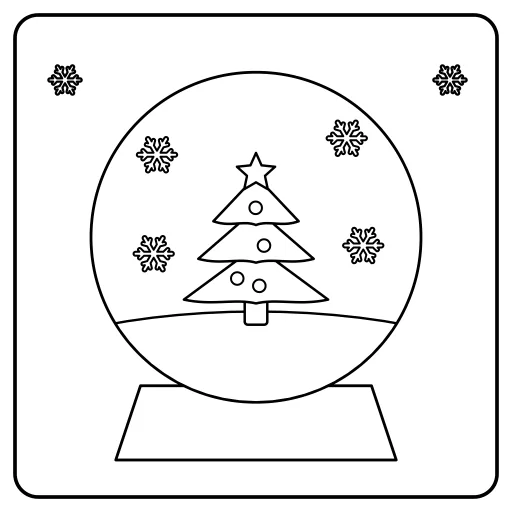
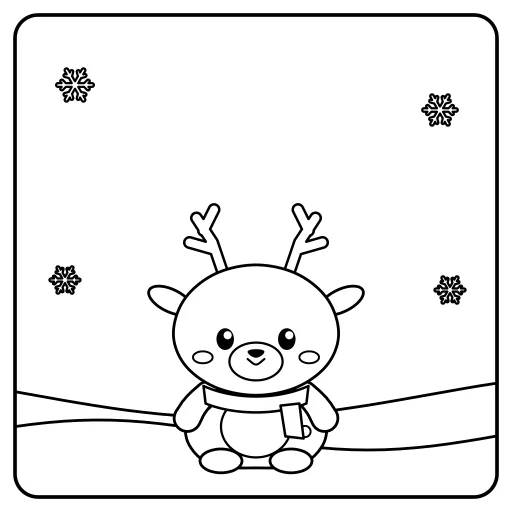
10 free Christmas coloring pages to print or to color in Crayon: a tree, a snowman, a snow globe, a gingerbread house and more. The app has 20 more with Crayon Premium or the Seasonal sets pack.
Read next
Crayon is made by Leafy Play. It is not affiliated with ‘Crayon: Colouring Pages’ by Skella & Co, Crayon AI or Crayon Club.